POS Sale Screen

Keep selling, even when the internet drops

A checkout screen new staff can learn in a day. Open it in a browser right away, or install the Desktop App so you can keep selling when the connection goes down.

In-store checkout

One screen from first item to payment

Pick items, change quantities, apply discounts, split the bill and take payment — all on one screen, with no switching back and forth.
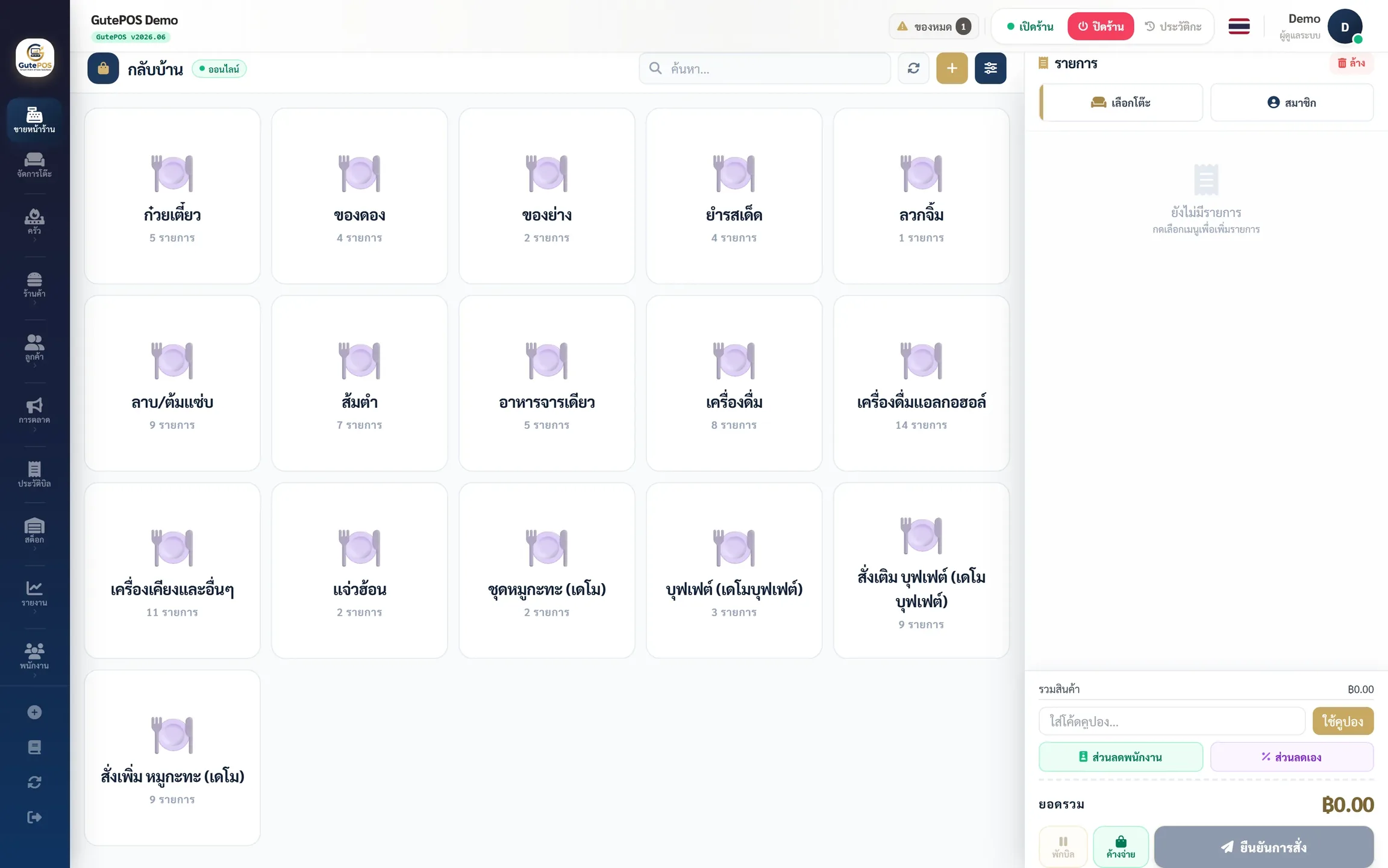
The GutePOS checkout screen
Always running

100% of sales keep working offline

The Windows Desktop App keeps data on the machine, so selling, printing and sending orders to the kitchen carry on as normal. When the connection returns, everything syncs to the cloud automatically.

Accountability

Know who did what, on every bill

Staff sign in with their own PIN, every void and discount is recorded, and opening or closing a shift counts the cash drawer for you.

International customers

Multilingual menus on one machine

Choose the languages your plan allows. Customers scan the QR and pick their own language instantly.